No words to say.. One of the best app. I crossed this app with many similar app.. Every app seems some kind of money involved ( and fake ad saying it's free).. This app like God. Very user friendly.and absolutely free.. Thanks man. U have done a very good job.. Really appreciate
Record Video with Your Screen Off
Capture video in the background while saving battery and protecting your privacy. Record hands-free with screen-off mode, then secure your recordings with biometric locking.
4.8
Rating
1,000,000+
Downloads

Everything you need for private, background recording
1
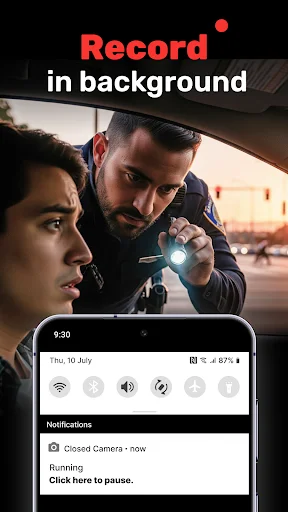
Background Screen-Off Recording
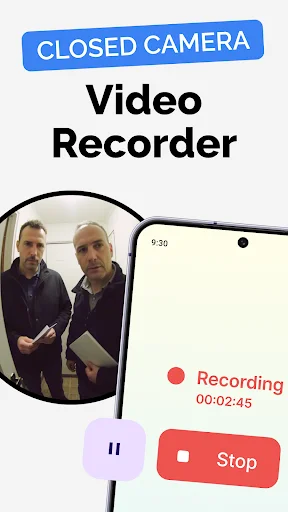
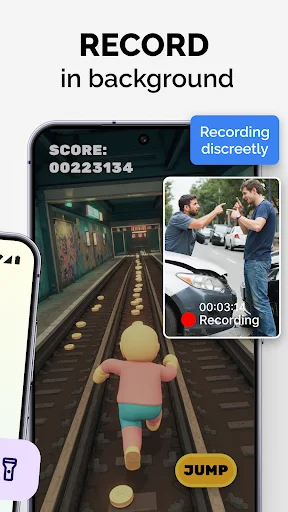
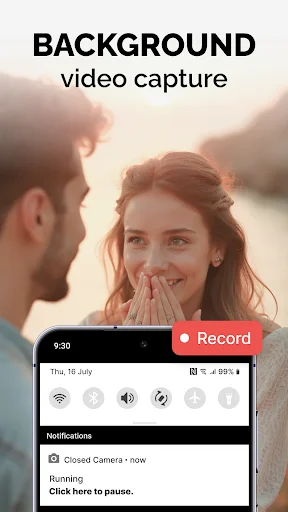
Keep recording even with your display off. Save battery during long sessions and record without keeping your screen on. Perfect for capturing video notes, documenting activities, or any situation where you need hands-free recording.
2
One-Tap Simple Controls
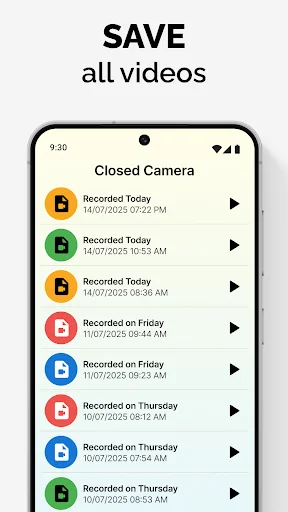
Start and stop recording instantly with easy controls. No complicated settings or confusing menus. Just open the app, tap to record, and access all your saved videos in one place whenever you need them.
3
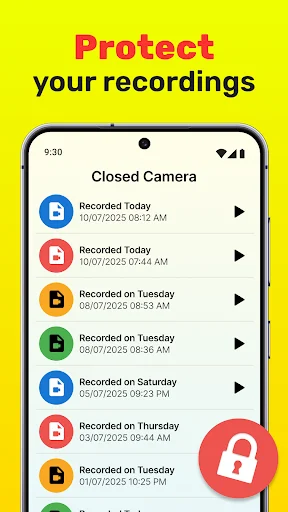
Biometric Security Protection
Lock access to your recordings with fingerprint or face authentication. Only you can view your videos. Keep sensitive recordings private and secure with device-level biometric protection that works with your existing security settings.
4
Encrypted Storage Organization
All your recordings stay protected in one encrypted folder. Find your videos easily while keeping them secure from unauthorized access. Everything is organized, protected, and ready when you need it.
What is Closed Camera - Video Recorder?
Record video in the background with options to continue while your display is off. This Android video recorder combines one-tap recording controls, access to saved videos and biometric locking for your recordings. Screen-off recording depends on your device and Android restrictions.
Who is Closed Camera - Video Recorder for?
Use it to document your own activities or capture video notes without keeping a camera preview on screen. You can start a recording, let it continue in the background where supported, and return to your saved videos afterwards.
It also suits people who want an access lock for their recordings. Record other people only with their consent and where recording is permitted; turning off the display does not make recording exempt from privacy rules.
What does Closed Camera - Video Recorder do?
- Record in the background: continue video capture with screen-off options, subject to Android and device limits.
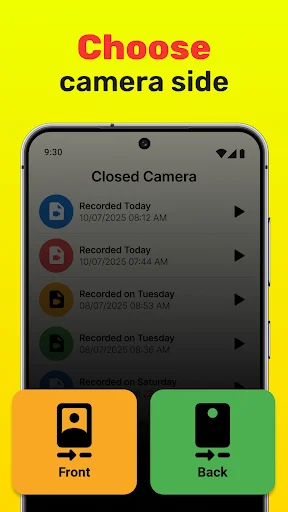
- Start and stop recording with one tap using the app's controls.
- Find saved recordings in one place.
- Protect access with biometric locking, using fingerprint or face authentication supported by your device.
- Keep recordings together in an encrypted folder for organised access.
How does Closed Camera - Video Recorder work?
Open the app and grant camera access for video recording. Start recording with the app's controls. On supported devices, recording can continue in the background while the display is off; return to the controls to stop the session.
Open your saved recordings to review them. Use biometric locking to restrict access, with the authentication method available on your device.
Compatibility and requirements
Background, screen-off and locked-screen behaviour depend on your Android version, granted permissions and device restrictions. Switching off the display is different from powering off the phone: recording does not continue after the device is powered off.
Recording time is limited by available storage, battery and device conditions. Android camera and microphone indicators and system notifications may remain visible.
Camera access is needed for video capture. Capturing audio requires microphone access. Use recording features only where lawful and with the necessary consent.
The app contains ads and offers in-app purchases.
Privacy
Recordings are stored in an encrypted folder. Biometric locking helps restrict access to them, with supported fingerprint or face authentication depending on your device.
Closed Camera - Video Recorder brings background video capture and protected access to saved recordings together for responsible personal recording.
See how simple and secure recording can be
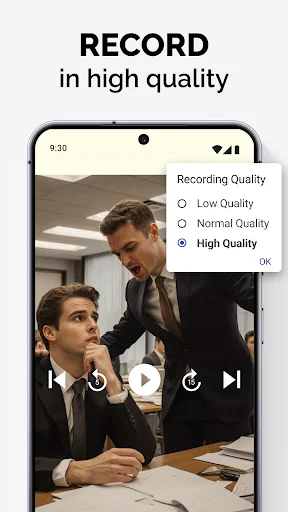
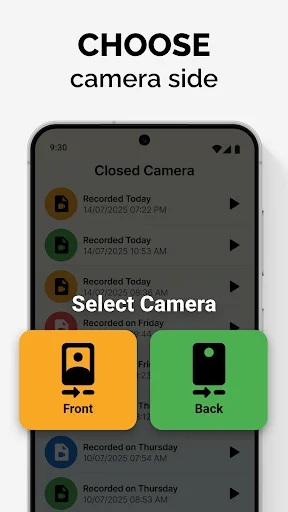
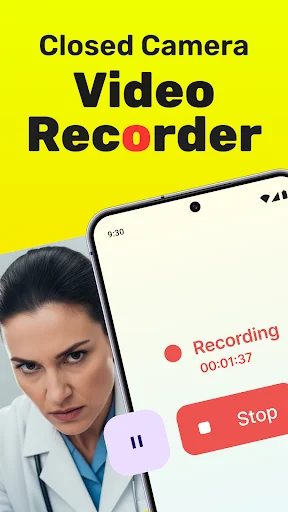
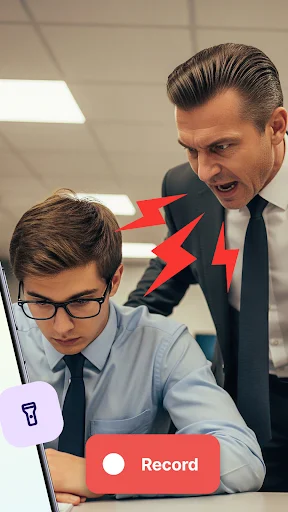
Join over 1 million users who trust Closed Camera
"This app works perfectly! The closed camera feature is smooth and reliable, allowing audio and video recording without interruptions. The quality of the recordings is clear, and the app runs in the background without affecting performance. Very useful and easy to use
This is the best Closed Camera so far, I love it. Recording video even after you locked the phone. You can also make calls and so any other things while this app continues captured the live video without the consent of anyone. 👍 💯 good.
wow wow and wow 😮 it's so cool and smooth I appreciate and recommend to all this unbelievable app to secretly video recording ♥️✅
one of the best app i never seen before 👍❤️ it's useful for critical situation i recemend it and worth it
this is really nice, it's a confidentiality trusted solution all. I'll recommend to all.