The only app working among all apps to view ai files. An honest review that is well deserved. I had tried so many apps and for real, this is the only one that worked for me. Hats off to the developers.
Open AI Files Right on Your Phone
View, zoom, and share your Adobe Illustrator files without a computer. Access professional designs on the go with high-quality rendering and easy export options.
500,000+
Downloads

Everything you need to manage AI files
1
Instant File Access
Open and view .ai files directly on your Android device without expensive desktop software. No more waiting until you're back at your computer to check your designs.
2
Export to Any Format
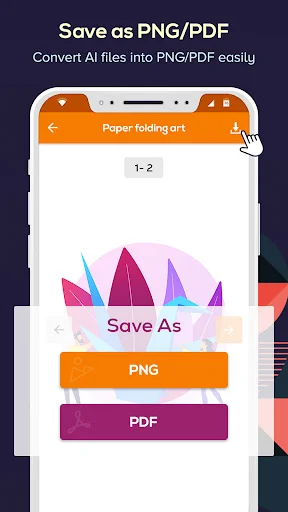
Convert your AI files to PDF or PNG in seconds. Share your work with clients, print designs, or present projects from anywhere using formats everyone can open.
3
Professional Quality Viewing
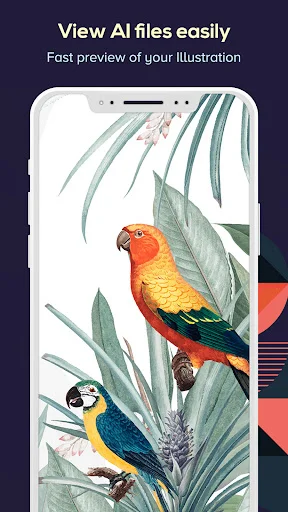
Zoom in to examine every detail of your illustrations with crystal-clear rendering. See logos, vectors, and complex designs exactly as they were created.
4
Smart File Organization
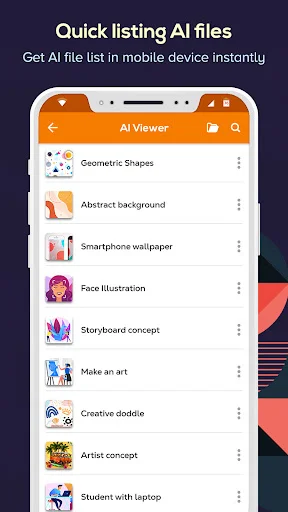
Find any file quickly with built-in search and automatic listing of all your AI files. View important details like file size, date, and location to manage your projects efficiently.
Ai File Reader: Illustrator File Viewer For Easy Access!
Is there a way for you to simply open .ai files on the go? This can be made really simple using our application Ai File Reader, which allows users to access and preview their Adobe Illustrator Files without plugging into a PC.
Ensuring thorough and fast access to view all of your Illustrator files stored within an android device, enables users to review any business project or ensures team graphic designers ease of accessing content.
Main Features of Ai File Reader: Illustrator File Viewer:
- Using the app's functionality allows immediate access and opening of stored Ai files;
- With Zoom in function users are able to check detailed design portions by sections;
- Shows all available Ai files hence lists them systematically for easier retrieval;
- Comes with an internal search exhibiting toolbar where specific searched arrayed Ai file is displayed instantly;
- Users are capable of exporting their converted documents from Ai file to PDF or PNG within some seconds;
- Key aspects regarding a important file such as it's relevant name, size, date as well as it's virtual location can be viewed.
- From the application interface, rename configuration options lets you delete or share your otherwise editable files.
Check Out Designs Easier with Ai Illustrator Viewer!
Ai Illustrator Viewer offers you ease while scanning through design files. You can now open AI files and view them in high quality without the need for desktop software. Reviewing creative assets or sharing work while on the move is now easy with AI Illustrator Viewer, designed for quick access and detailed previews on mobile.
Managing and navigating through your designs with Ai Illustrator Viewer becomes easier. Opening ai files is simple, accessing them is centralised along side various tools like zoom, search, export which require very minimal effort to utilize.
Open Ai Files with Professional Quality:
Experience the striking clarity of artwork as each illustration is rendered in detail by Ai File Viewer. From logos to complex vectors, Ai File Viewer enables users to open ai files directly ensuring every curve and line is admired smoothly during examination.
Export Functions with Ai File Viewer:
Ai files are more than just accessible - they can also be transformed into various formats. With Ai File Viewer, you can export designs as high-quality PDFs and PNGs which makes presenting, sharing, printing, or accessing your files easier from any mobile device.
Simple Navigability with Ai File Reader:
Ai File Reader: Illustrator File Viewer ensures all your design files are kept together on a single location, enhancing organization. With the automatic listing feature, no file is bypassed while retrieval is enhanced using the search tool for quick access to specific documents. Moreover, Ai File Reader: Illustrator File Viewer shows essential metadata which improves effective management of the documents.
The Ultimate Showcase Of Uses For An Ai File Viewer
Transforming how you interact with technologies simply by using an Illustrator designed file reader enables you unlock limitless possibilities Ai File Reader: Illustrator File Viewer has to offer.
Disclaimer
All product names, logos, brands, trademarks, and registered trademarks, which are not owned by us, are the property of their respective owners. All company, product, and service names used in this app are for identification purposes only. Use of these names, trademarks, and brands does not imply endorsement.
This app is owned by us and is not an official Adobe application. We are not affiliated, associated, authorized, endorsed by, or in any way officially connected with Adobe.
See how simple it is to use


Trusted by designers and professionals worldwide
Very helpful App to be able to view Adobe Illustrator files when you're not near to a computer and need to answer to the sender
I have a vector file, I click the vector file on my phone, I then see the vector file, this app is fast and helps a lot
best app ever, no ads, no disturbance, I can view my files and make them images in peace
It's perfect for what I need. I can double check what I'm sending to clients.
Good app to open Ai file. Thanks developer. Clear instructions