Smooth typing and excellent support for Pashto script make this keyboard a must-have for native speakers and learners alike
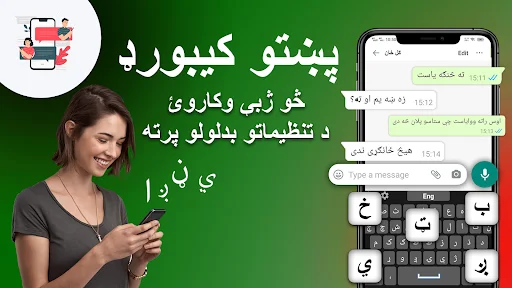
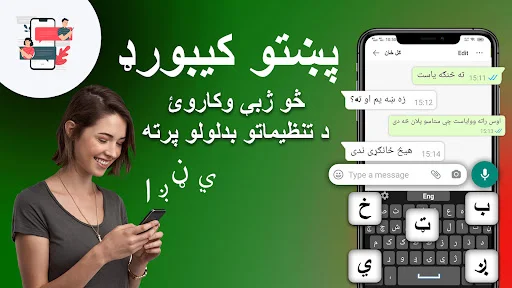
Type in Pashto and English Seamlessly
Switch between languages instantly while messaging family, posting on social media, or writing emails. One keyboard for all your conversations, with voice input and smart suggestions to help you express yourself naturally.
4.3
Rating
1,000,000+
Downloads
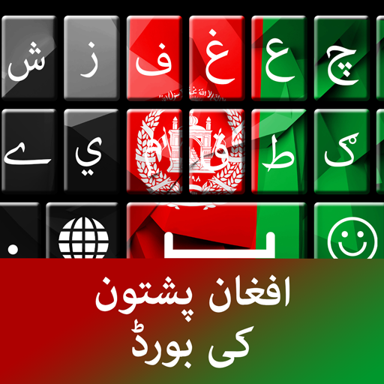
Everything you need for bilingual typing
1
Switch Languages Instantly
Move between Pashto and English without leaving your keyboard. No more switching apps or changing settings – just type naturally as your conversations flow between both languages.
2
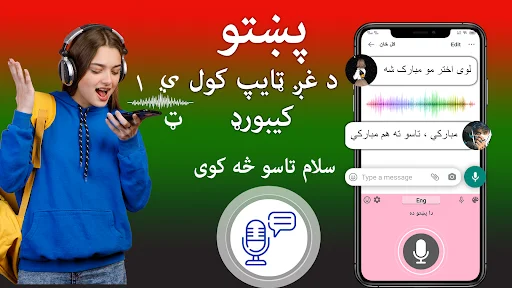
Type with Your Voice
Speak in Pashto or English and watch your words appear on screen. Voice input makes typing faster and easier, whether your hands are busy or you simply prefer talking to tapping.
3
Find the Right Words
Built-in translation tools and an English dictionary help you choose the perfect words. Get instant translations across 100+ languages and look up meanings without leaving your keyboard.
4
Make It Your Own
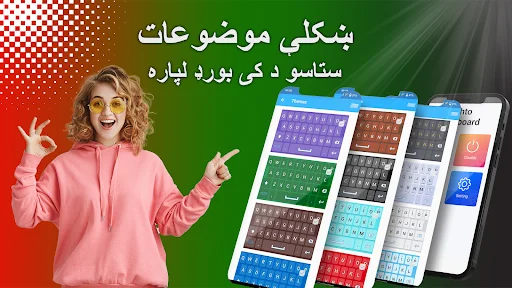
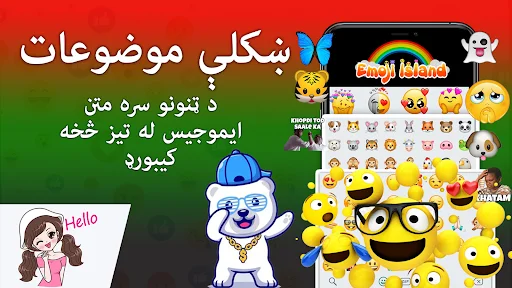
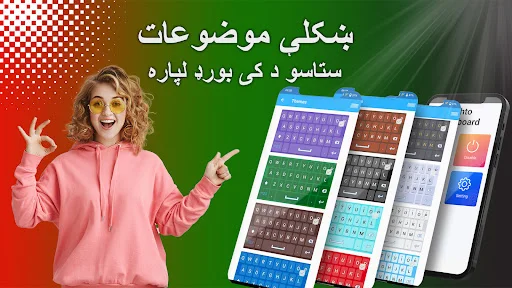
Choose from beautiful themes or use your own photos as a keyboard background. Add emojis and customize your typing experience to match your personal style and make every message feel like you.
What is Pashto Keyboard - کیبورد پشتو?
Write in Pashto and English on your Android phone with a bilingual keyboard, voice input and word suggestions. Use it to compose messages, notes, emails and social posts while switching between the two languages within the keyboard.
Translation tools and an English dictionary help you work with words beyond the keyboard layout. Themes, photo backgrounds and emojis let you personalize how your typing looks.
Who is Pashto Keyboard - کیبورد پشتو for?
Use it when your conversations move between Pashto and English, whether you are messaging family, writing to friends or preparing everyday text for work. Keep both languages available as you move between the apps you use to write.
If you are learning words or checking their meaning, the dictionary and translation tools offer another way to explore what you want to say. Review suggestions and translations so the final wording fits your meaning and audience.
What does Pashto Keyboard - کیبورد پشتو do?
- ⌨️ Type in Pashto and English and switch languages within the keyboard.
- Use voice input as an alternative to tapping letters, with multilingual speech input support.
- Get word suggestions and sentence-completion suggestions while writing.
- Use translation tools covering more than 100 languages, including translation to Pashto.
- Look up English word meanings with the built-in dictionary.
- Choose keyboard themes or select an image from your gallery for a personal background.
- Add emojis to bring expression to messages and social posts.
How does Pashto Keyboard - کیبورد پشتو work?
Open the app, enable the keyboard in your Android input settings and select it as your input method. Choose a theme, then open a compatible app with a text field to start writing. Switch between Pashto and English as needed.
For voice typing, allow microphone access and speak using the supported input language. Check the recognized text before sending it. Use the translation and dictionary tools when you need help with a phrase or word, and choose a gallery image if you want a custom keyboard background.
Compatibility and requirements
The keyboard must be enabled and selected in Android before it can appear in other apps. It provides text input; your messaging, email or other app handles sending and publishing the text.
Microphone access is needed for voice typing, not for tapping the keyboard. A custom photo background uses an image you select. Voice recognition and translation results depend on the language, speech clarity and wording; check names, spelling and intended meaning before sharing important messages.
The app contains ads and offers in-app purchases. Available text-entry behavior can vary with the app and field in which you are typing.
Pashto Keyboard - کیبورد پشتو brings bilingual typing, voice input and language tools together to help you express yourself in everyday Pashto and English conversations.
See the keyboard in action
Loved by over 1 million users
I love my pashto language and it's beautiful keyboard I give 5 stars thanks alot
i love this it is so good for people that speck pashto
Very useful keyboard for the pushto language user.
Thanks for such amazing sweat pashto keyboard
It is very important if you're talking Pashto