Excellent service,,I actually had no problem getting connected to my tv. Would recommend this app to anyone. If I can do it,,everyone can. Thank you for this app,,it was a pleasure,,I just got through trying 5 or 6 out and nothing was working on my tv,,so I sead one more time,,and it worked perfectly. Once again,,thank you.
Turn Your TV Into Your Phone's Big Screen
Connect your Android device to your Smart TV in seconds. No cables, no hassle – just wireless streaming of everything you love on the screen that matters.
1,000,000+
Downloads
Everything You Need for Seamless Screen Sharing
1
Connect in Seconds
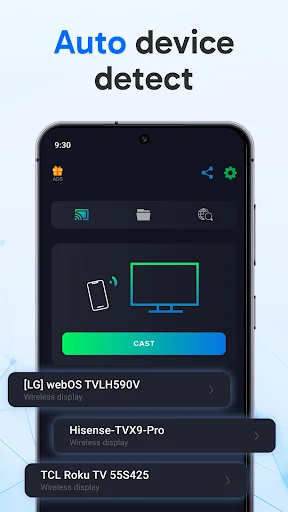
Get up and running in just 20 seconds with our simple setup. No technical knowledge required – just open the app, follow the easy steps, and start streaming. It's so simple, anyone can do it.
2
Stream All Your Content
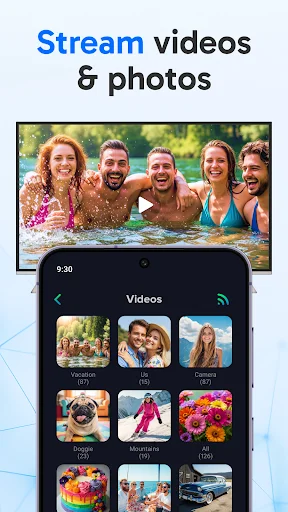
Watch movies, shows, YouTube videos, and Netflix on the big screen. Share photos with family, play mobile games, or enjoy music – everything on your phone looks better on your TV.
3
Reliable When Others Fail
Tried other screen mirroring apps without success? Our app works where others don't, with stable connections and minimal lag even on weak WiFi. Experience smooth, uninterrupted streaming every time.
4
Present and Share Easily
Turn your TV into a presentation display for documents and PowerPoint slides. Perfect for meetings, lectures, or sharing content with groups – wireless freedom means you can present from anywhere in the room.
Screen Share with smart TV is a screen sharing cast app with which you can share your mobile phone screen and screen mirroring with smart TV and it works only when your TV is connected with wifi network same as your mobile phone and cost to TV. Screen sharing and screen mirroring is the most useful app for mirroring and casting your mobile screen in real time.
Screen sharing and screen mirroring with smart tv app will assists you to mirror your mobile phone and cast with the smart TV through the same Wifi network. Screen sharing app able to play videos, music and photos etc. Screen sharing app lets you to browse across your favorite live TV. Discover and cast your movies, shows, sports, music or games without interrupting your viewing experience on TV. Screen sharing app can be connected to the smart TV when they both devices connected to the same network to screen-mirroring you device screen.
Screen Mirroring - All Mirror, helps you cast a small phone screen to big TV screen in high quality and real-time speed. You can easily access all types of media files, including mobile games, photos, music, videos & E-books on the big screen.
With the Cast to TV app, you can cast to TV and make screen share with your family or friends in simple steps. Screen Sharing - Share Screen with Smart TV is the ultimate solution for screen sharing and screen mirroring from your Android device to your Smart TV. Seamlessly share your screen with a Smart TV and unlock a world of possibilities.
Key Features:
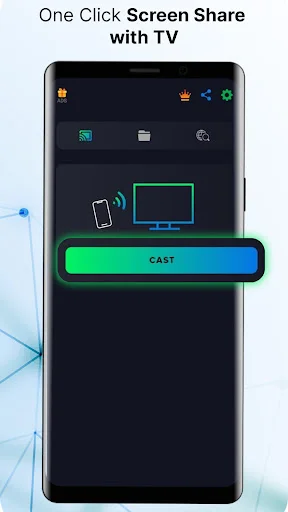
- Screen Sharing Made Easy: Effortlessly share mobile screen with a Smart TV from your Android device.
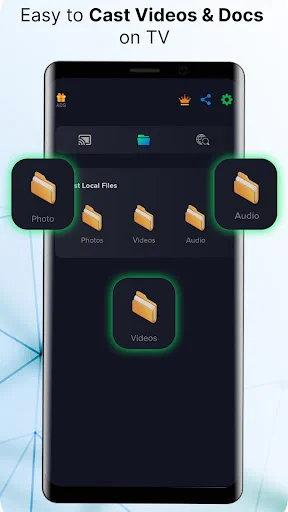
- Watch Videos on the Big Screen: Stream your favorite videos and catch up on TV shows right on your Smart TV.
- View Documents and Presentations: Easily share and present documents and PowerPoint slides on a larger display for more impactful meetings and lectures.
- Movie Magic: Enjoy an immersive cinematic experience by streaming movies to your Smart TV from your Android device.
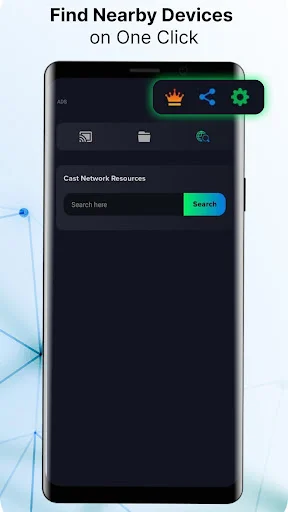
- Connect Instantly: Quickly connect your Android device and Smart TV in seconds - no cables, no hassle.
- Stable and Lag-Free: Experience smooth and lag-free screen mirroring for an uninterrupted viewing experience.
- Multi-Device Support: Connect multiple Android devices to your Smart TV for a collaborative and interactive experience.
- Wireless Freedom: Enjoy the convenience of wireless screen sharing without the need for cables or adapters.
- Secure Connection: Rest easy knowing that your data is protected with state-of-the-art encryption during your screen sharing sessions.
How to Easily Share Screen with Smart TV:
- Download and install Screen Sharing app on your Android device.
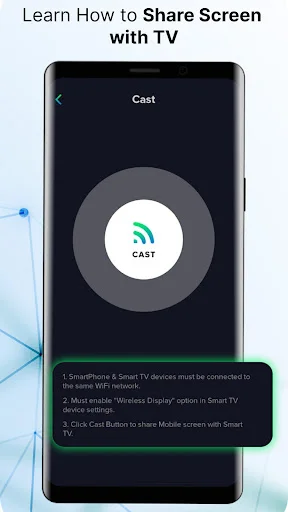
- Ensure that both your Android device and Smart TV are connected to the same Wi-Fi network.
- Open the app and follow the on-screen instructions to share your screen with your Smart TV.
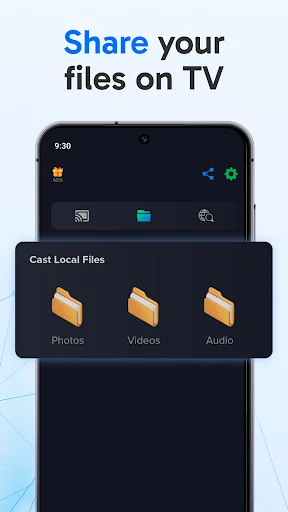
- Choose what you want to share, whether it's videos, presentations, or your mobile screen.
- Sit back, relax, and enjoy your content on the big screen with screen sharing made simple.
Experience the future of entertainment and productivity with screen sharing app. Say goodbye to limitations and hello to limitless possibilities as you effortlessly share your screen, indulge in your favorite videos and movies on the big screen, and revolutionize how you connect with your Smart TV. With Screen sharing, it's not just about screen sharing; it's about enhancing your digital lifestyle. Elevate your Android experience today - download Screen sharing app and embark on a journey of screen mirroring and seamless Smart TV integration that will change the way you interact with your devices forever.
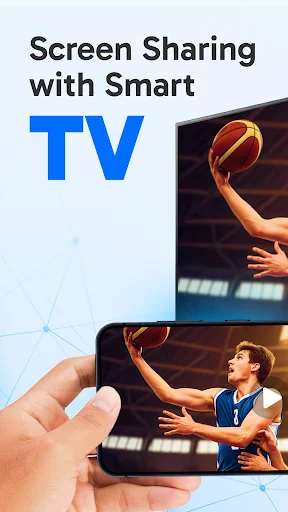
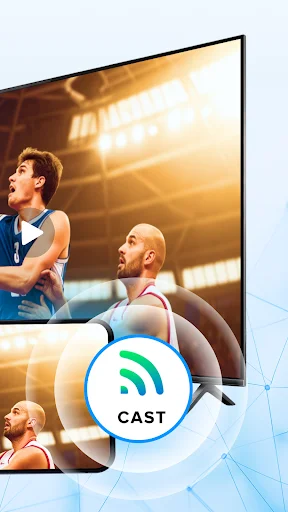
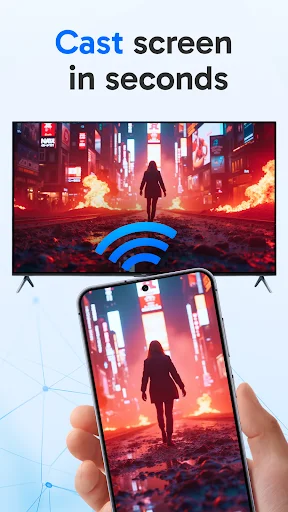
See How Easy Screen Sharing Can Be
Loved by Over 1 Million Users Worldwide
Can watch YouTube videos and Netflix movies on a big screen now. Thanks for screen sharing app. Easily share screen with smart TV with this app. Had difficulty first but the guide in the app helped me out
My wi fi is horrible so I tried 10 different mirroring apps 9 did not work . This app not only works it is dependable and is predictable... thanks Screen Share. Oh..And its Free!
This is a must have app if you want to mirror your phone for streaming. I use it every night to watch films and my 3 year old Grandaughter loves watching her programmes.
So simple to connect Philips TVs and nearby devices goes like in 20 sec and you are ready. And this app also doesn't take much of memory. Best screen mirror application
Tried 7 or 8 different apps for screen mirroring with Chromecast, even Google's own Home app. None worked except this. Very little lag.