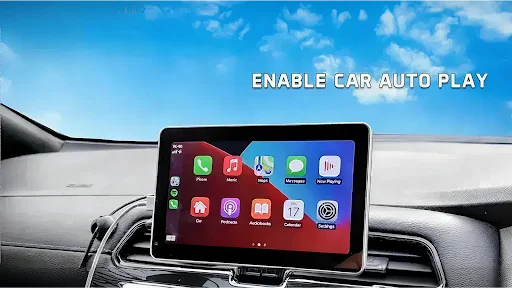
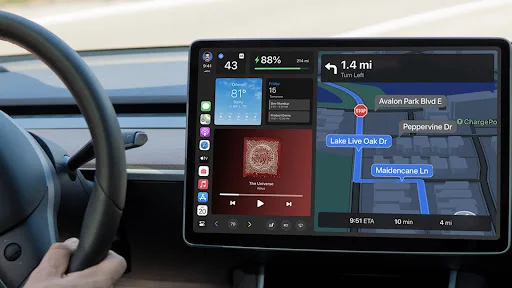
Apple CarPlay enhances your driving experience by integrating essential features. Check the latest weather updates on your dashboard to plan your journey better. Speed Limited notifications keep you informed of your driving pace. After parking, use the Car Parking & Find My Car feature to locate your vehicle effortlessly. For added security, the Emergency Call Alert is there when you need it most.
Your Complete Driving Companion for Android
Save parking locations, monitor your speed, access navigation and music, and keep important documents at your fingertips. Everything you need for smarter driving in one powerful app.
4.1
Rating
500,000+
Downloads
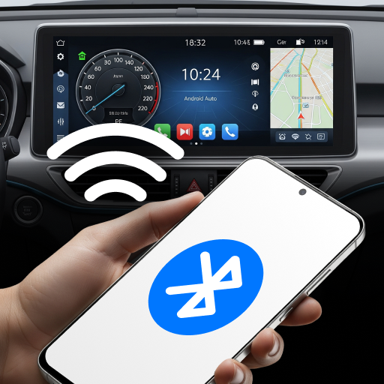
Four Essential Tools Every Driver Needs
1
Never Lose Your Car
Save your parking location with one tap and find your way back effortlessly. Perfect for crowded lots, unfamiliar areas, or busy city streets where remembering your spot is impossible.
2
Monitor Your Speed Instantly
View real-time speed readings and set custom alerts to stay within your preferred limits. Get visual notifications when you exceed your threshold, helping you drive more mindfully.
3
Control Everything Hands-Free
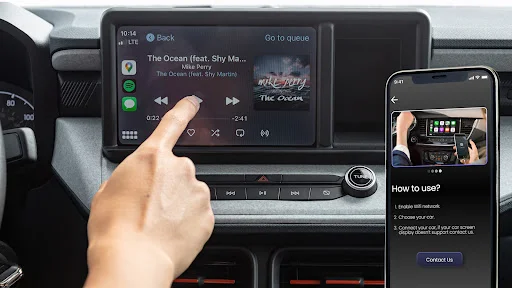
Access music, navigation, calling, and messaging through your compatible car display. Mirror your phone screen and use voice controls to stay connected while keeping your focus on the road.
4
Important Documents Always Ready
Store photos of your driver's license, insurance, and registration directly in the app. No more digging through your wallet or glove box when you need them most.
What is Car Auto Sync for Android?
Bring driving-related phone tools together: save a parking location, monitor speed, access calling and email tools, and use phone-to-car screen mirroring on a compatible setup.
Prepare your connection and settings before setting off. Available display, navigation, music and hands-free controls depend on your Android phone, car display and connection setup.
Who is Car Auto Sync for Android for?
Use it when you want to remember where you parked, review a speed reading or keep useful vehicle documents within reach. It also provides access to supported phone functions through a compatible car display.
Set up a playlist or navigation before a trip, and use screens only when safely parked. Video playback is for parked use, never for the driver to watch while driving.
What does Car Auto Sync for Android do?
- Parking location: save where you leave your car and use the saved location to help find it later.
- Speed monitoring: view speed readings, set a threshold and receive visual alerts when you exceed that setting.
- Compatible screen mirroring: access supported apps and phone content on your car display.
- Music and navigation access: use supported playback and navigation features, including traffic information where available.
- Hands-free controls: access supported calling and messaging functions, with voice controls where your setup supports them.
- Calling and email tools: contact help through dialing and email options.
- Documents access: add images from your gallery or camera to keep items such as a driver's license or insurance document accessible in the app.
- Sound and display settings: adjust available options to suit your setup before driving.
How does Car Auto Sync for Android work?
While safely parked, open the app and follow its setup instructions for your phone and compatible display. Configure the supported connection and controls before starting your journey.
For parking, save the location when you leave your car, then refer to it when you return. Set your chosen speed threshold before driving. To add a document, use the gallery or camera option and select or capture the image you want to keep.
Compatibility and requirements
Car-display functions require a compatible phone, vehicle display and connection setup. Not every car or display supports every function. Calling, email, navigation and traffic features also depend on the services and connectivity they use.
Speed readings and alerts are informational aids. They do not guarantee safe driving, compliance with speed limits or avoidance of fines. Follow road signs and traffic rules rather than relying only on the app.
Calling and email tools are not an emergency response service and do not guarantee that assistance will arrive. Keep your attention on driving and stop safely before interacting with screens.
Gallery and camera options need access to the images or camera you choose to use. The app contains ads and offers in-app purchases.
Car Auto Sync for Android brings parking location tools, speed information and supported phone functions into one place for preparation before a trip and use when safely parked.
See How Simple Driving Can Be
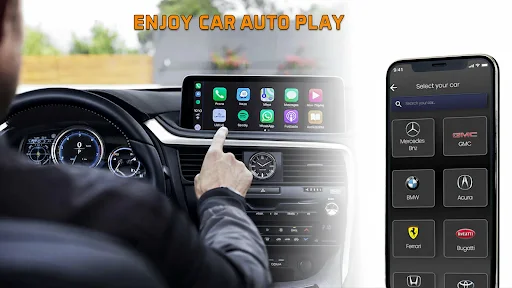
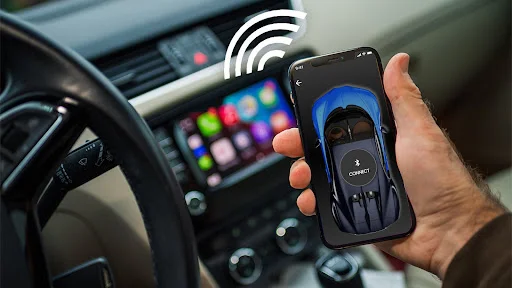
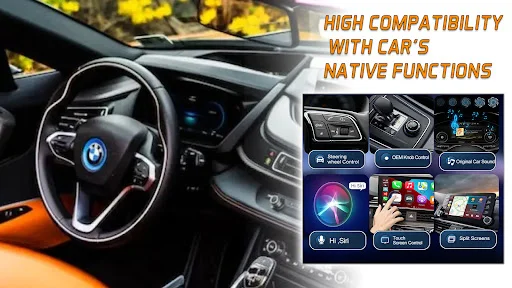
Join Over 500,000 Satisfied Drivers
CarPlay brings convenience and safety to your fingertips. Stay informed with real-time weather updates, and drive safely with Speed Limited notifications. After parking, easily locate your car using the Car Parking & Find My Car feature. In emergencies, the Emergency Call Alert ensures that help is just a call away.
one of the best carplay app i ever used. very useful for car parking tracking, emergence alerts and speed limit indicator. Highly recommended for ever driver.