easy to setup and use through this app. Absolutely love it
Turn Your Phone Into an Inspection Camera
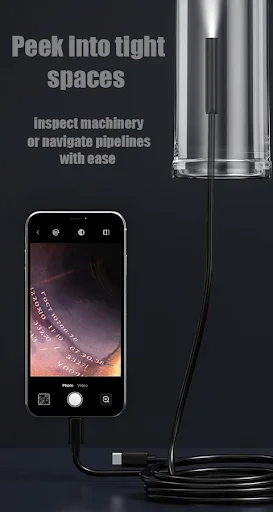
Connect any USB endoscope or borescope camera to your Android device and see inside pipes, drains, and hard-to-reach spaces. Professional inspection results without the professional price tag.
100,000+
Downloads
Everything you need for professional inspections
1
Connect in Seconds
Simply plug your USB endoscope camera into your phone and start inspecting immediately. No complicated setup or technical knowledge required – just connect and go.
2
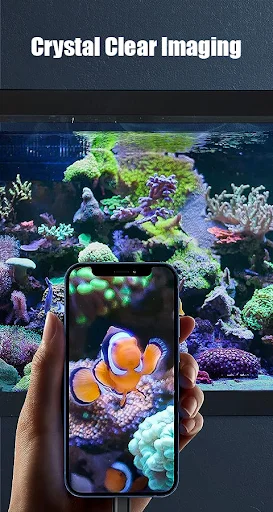
Capture Crystal-Clear Photos and Videos
Record high-quality photos and videos of your inspections to document problems, share with professionals, or keep for your records. Never guess what's wrong again.
3
Check Device Compatibility First
Built-in USB OTG checker tells you if your phone works with endoscope cameras before you buy. No more wasted money on incompatible devices.
4
Manage All Your Media
View, organize, and delete your inspection photos and videos right in the app. Everything you need in one simple place – no switching between apps.
Endoscope Camera App for Android
An app to connect with endoscope camera or any other device like USB camera or borescope camera. There are many devices which use external camera like inspection camera sewer.
How to Use This App
- Open the app and enter its endoscope camera USB drive into your phone.
- Click on the camera icon.
- Click OK.
- You can see that the endoscope camera is working.
- Take photo and record video.
- If you want to see his photos and videos, go back to the first interface and click gallery.
- Now you can see all your photos.
- Swipe left to see all videos.
- Click everyone and choose player always click and watch your video.
How to Delete Photo and Video on Endoscope App Camera Inside Gallery
Long click image or video to see delete icon.
Check That Before Using This Endoscope App
- If your device supports USB OTG after opening the app, choose from the USB OTG Checker setting to check whether your device supports OTG or not.
- If your USB camera is UVC compatible.
In What You Can Use Endoscope Camera Device
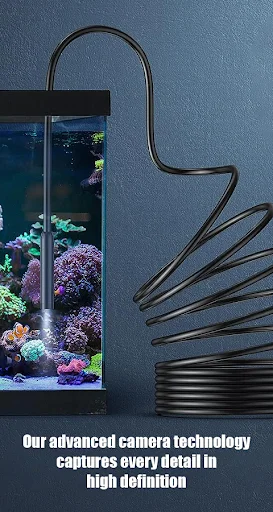
Borescope or endoscope has many things to do, like in clogged drains you can see what is inside. It works like a sewer camera.
See how easy it is to use
Trusted by thousands of users
Amazing device. Really good quality pics
lots of options to do what you need
excellent good product and quality