excellent 👌
Mirror Your Phone to TV Wirelessly
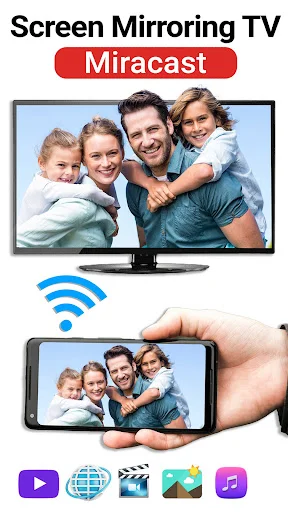
Share videos, photos, games, and presentations on the big screen without any cables. Simple setup, instant connection, and endless viewing possibilities for work, home, and play.
4.2
Rating
500,000+
Downloads

Everything You Need for Easy Screen Sharing
1
No Cables Required
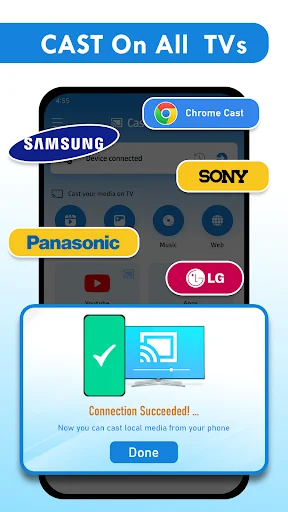
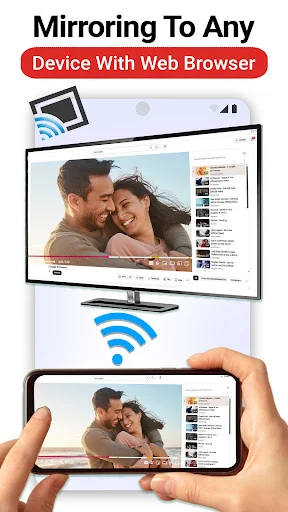
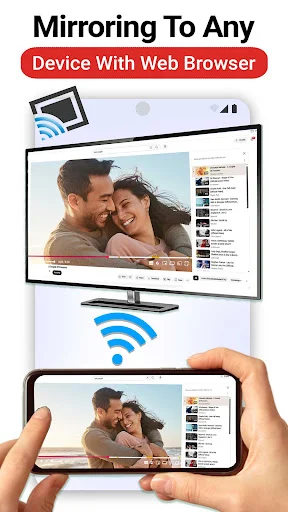
Connect your phone to your TV through Wi-Fi in just a few taps. No more tangled wires, expensive adapters, or complicated setup steps – just open the app and start mirroring instantly.
2
Share Any Content
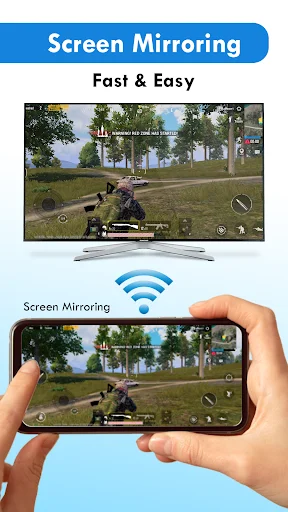
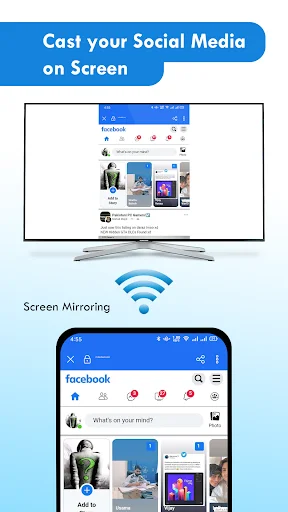
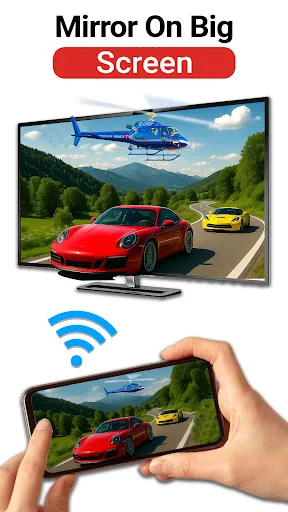
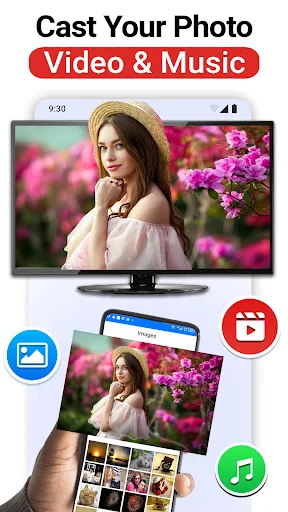
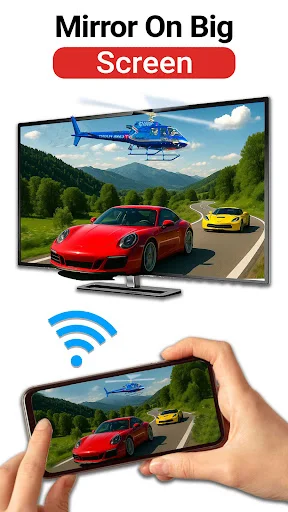
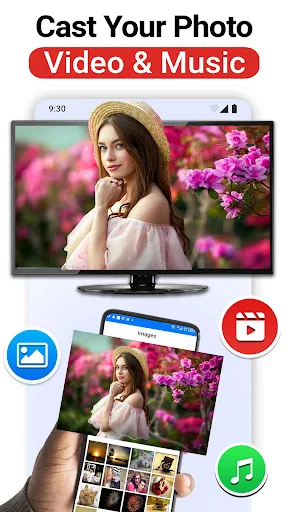
Display everything from your phone on the big screen. Watch videos, browse photos, play games, or show work documents – all content mirrors clearly for better viewing and sharing.
3
Perfect for Every Moment
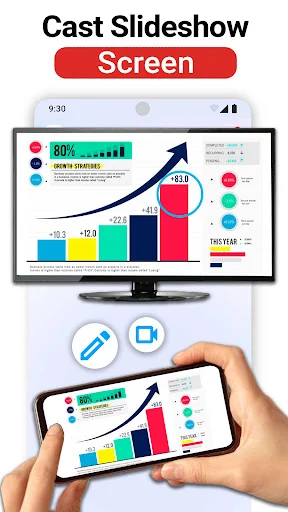
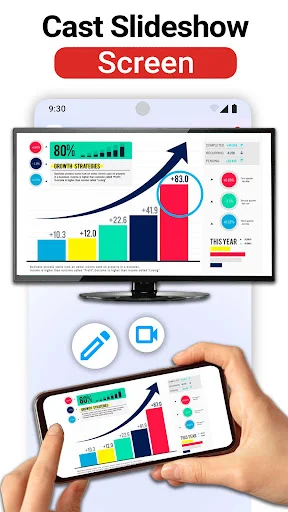
Whether you need to present slides at work, share family photos at home, or teach a class, this app makes screen sharing simple. One tool works for entertainment, productivity, and learning.
4
Control From Your Phone
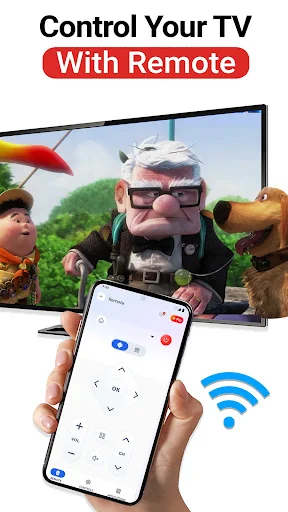
Use your phone as a remote to adjust volume, manage playback, and navigate content. Everything you need to control your TV viewing experience stays right in your hand.
Miracast: Screen Mirroring For All TV - Share Your Phone On A Big Screen!
Miracast: Screen Mirroring For All TV helps you mirror videos, photos, games, documents, and mobile content on a larger display. Open the app, connect through the same Wi-Fi network, and enjoy a wider view without cables.
TV Casting: Mirror App is useful when your phone screen feels too small for family time, work notes, lessons, or entertainment. Cast To TV Screen Mirroring App keeps sharing simple, so you can start mirroring with just a few easy steps.
Main Features
- Phone Mirror Screen Casting App - Mirror your mobile screen on a compatible TV
- Share Screen: Tv Mirroring - Display photos, videos, apps, and documents clearly
- All Share Cast To TV Screen Mirroring - Cast phone content through wireless connection
- Miracast: Screen Mirroring For All TV - Enjoy smooth screen mirroring for daily use
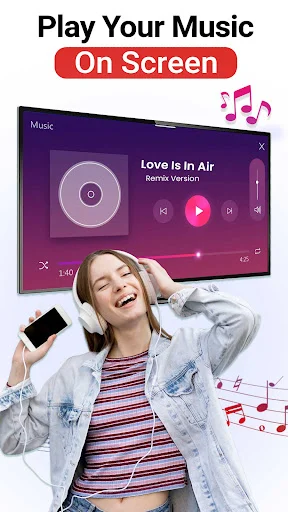
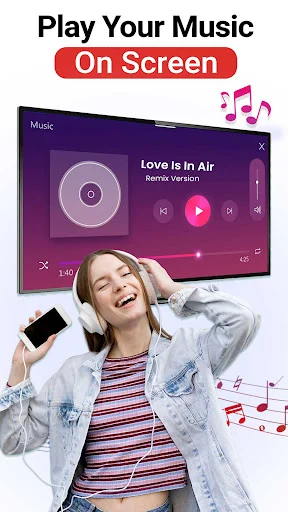
- TV Casting: Mirror App - Watch phone media on a larger display
- Cast To TV Screen Mirroring App - Share games, tutorials, slides, and visual content
- TV Remote Tools - Control volume, playback, and navigation from your phone
Mirror Videos, Photos, Games, And Presentations!
Phone Mirror Screen Casting App works well when you want more people to see what is on your phone. It is helpful for meetings, study sessions, family photos, quick tutorials, and movie nights.
Share Screen: Tv Mirroring makes daily sharing feel more comfortable when a small display is not enough. You can show your favorite moments, explain ideas, or enjoy media with less crowding around one device.
All Share Cast To TV Screen Mirroring gives you a practical way to connect and view content on a bigger screen. A stable Wi-Fi connection helps keep the experience smoother during mirroring.
How To Use
- Open Miracast: Screen Mirroring For All TV on your phone
- Connect your phone and TV to the same Wi-Fi network
- Use TV Casting: Mirror App to find your compatible display
- Start Cast To TV Screen Mirroring App from the main screen
- Choose Phone Mirror Screen Casting App for live phone mirroring
- Tap Share Screen: Tv Mirroring and begin viewing on the big screen
- Use All Share Cast To TV Screen Mirroring whenever you want quick wireless sharing
Smart Casting For Home, Work, And Learning
Miracast: Screen Mirroring For All TV helps turn your phone into a simple sharing tool for everyday moments. You can show slides, browse pictures, stream saved videos, or explain ideas with a clearer view.
TV Casting: Mirror App also fits relaxed home use when you want videos and photos to feel more enjoyable. The app keeps the setup simple, so you can focus on watching instead of fixing connection steps.
Cast To TV Screen Mirroring App is helpful for users who want one place for mirroring, casting, and basic remote controls. It keeps screen sharing practical for entertainment, teaching, work, and family time.
Why Choose This App?
Phone Mirror Screen Casting App gives you a flexible way to share phone content without extra cables. It is easy to use when you want fast access to a bigger screen.
Share Screen: Tv Mirroring helps make games, photos, documents, and videos easier to view with others. Clear controls and wireless setup make the experience more convenient.
All Share Cast To TV Screen Mirroring is a useful choice for daily screen sharing at home, school, or work. Start mirroring, enjoy the bigger view, and make your phone content easier to share.
Watch How Simple Screen Mirroring Can Be
See What Users Are Saying
wonderful
very nice
very good
good app
good job